How a hacked account behaves
When someone's account is taken over, it's used to post the same fake gift, crypto offer or image into every channel it can see, usually within a few seconds. Members trust it because they know the name. Real people don't post the same thing in three channels at once, which is what makes it catchable.
What's on as soon as you add NotNatch
- Scam and phishing links are deleted. Known scam sites are listed and lookalikes of Discord, Steam and other brands are caught even when nobody has reported them yet
- The same message or image in three channels within a minute is treated as a hacked account. The account is removed from the server and its last hour of messages cleared, then it gets a DM saying to change its password and come back
- Strikes are on, so someone who keeps breaking rules is timed out
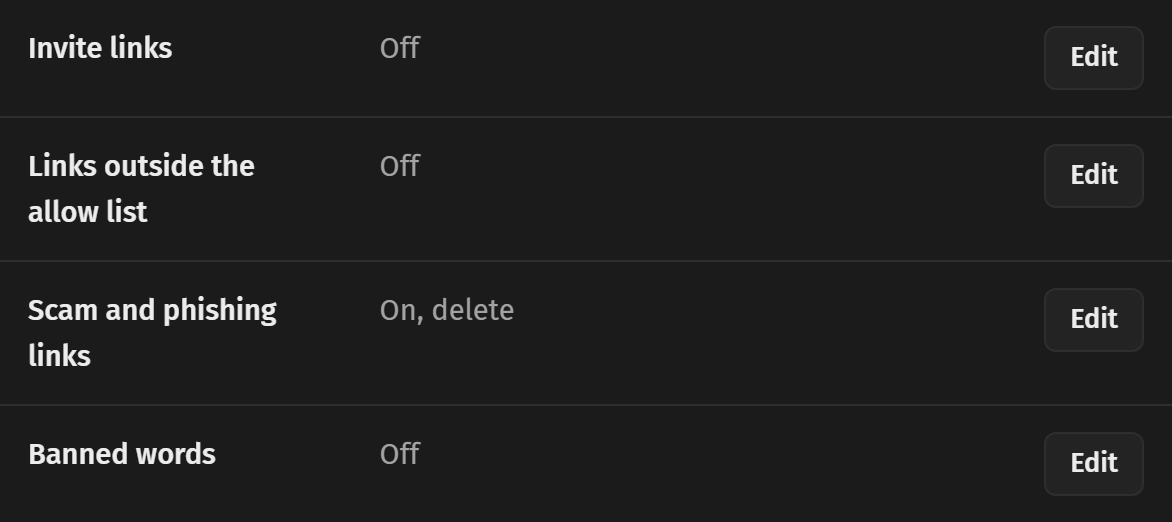
Tune the hacked account check
Open automod's settings and find Honeypots and hacked accounts. Change how many channels count, from 1 to 10, or 0 to turn it off. Staff and any roles automod ignores are always left alone.
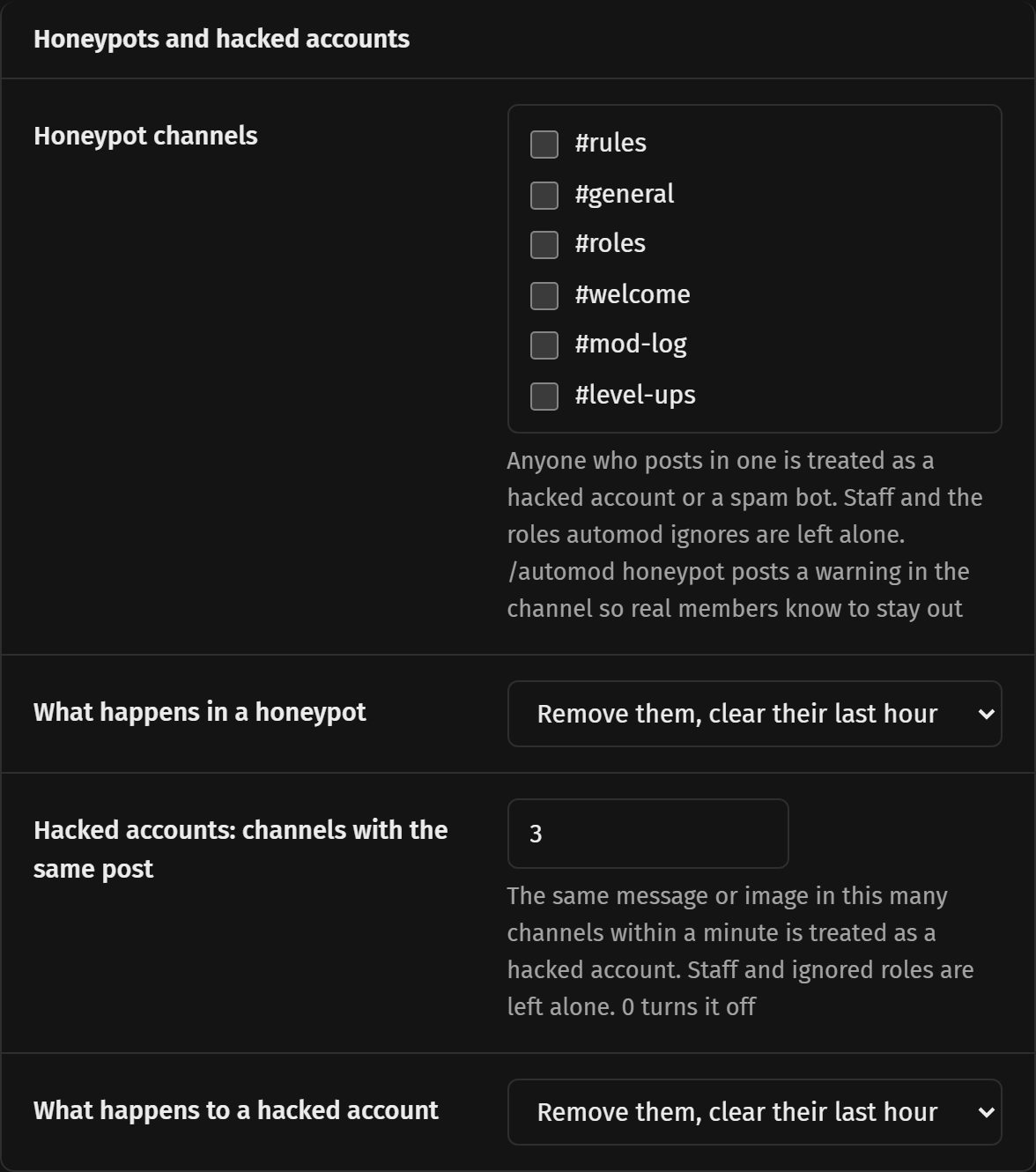
Add a honeypot channel
- Make a channel near the top of your channel list, something like #dont-post-here.
- Run /automod honeypot with that channel. It posts a warning there so real members know to stay out.
- Anyone who posts in it is treated as a hacked account or a spam bot. Pick what happens with the action option, removing them and clearing their last hour is the default.
Raids and brand new accounts
Raid protection can lock the server down or kick everyone who joined when lots of accounts arrive at once. A minimum account age keeps out accounts made minutes ago. Both are off until you set them in automod. The join gate can also stop accounts with no profile picture or names on a list you keep.