Pick the kind that suits you
Buttons are the easiest for members, one click per role. A dropdown fits more roles in less space and works well for things like pronouns or regions. Reactions go on any message you've already written, like your rules post. Members react with an emoji to get the role.
Buttons or a dropdown
- In the channel the panel should go in, run /roles create with a short name. Pick Buttons or Dropdown under style.
- Add each role with /roles add. Give it a label and an emoji if you like, the role name is used otherwise.
- Change the text above it with /roles heading.
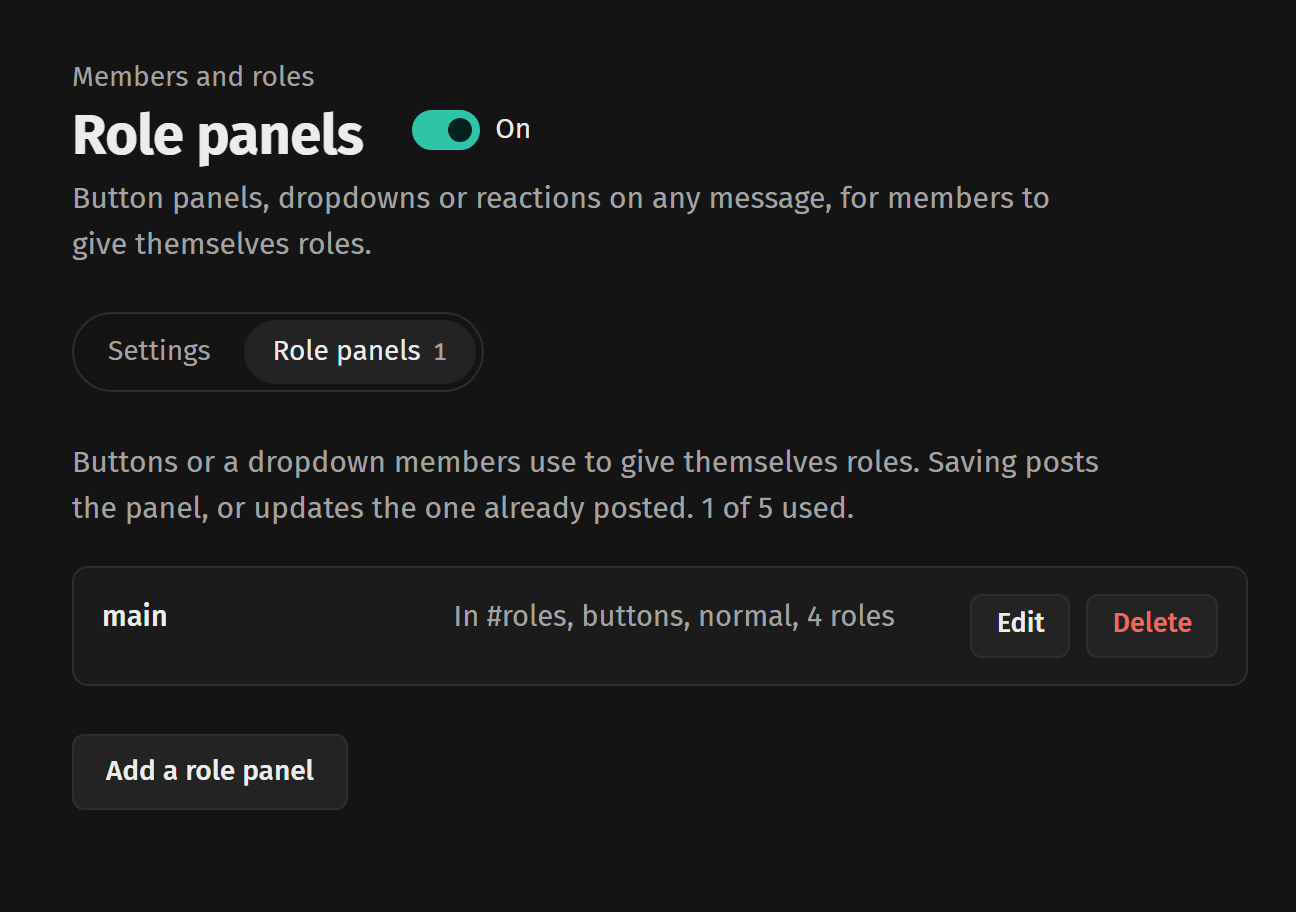
You can do the same from your server's page on the website. Open Role panels, press Add a role panel, pick the channel and the roles, then save. Saving posts the panel, or updates the one that's already there.
Reactions on a message you already have
- Right-click the message, then Apps and Add reaction role. Or run /roles reaction add with a link to the message.
- Pick the emoji and the role it gives.
- Members react to get the role and take the reaction off to drop it.
Ways a panel can work
/roles requirements makes a role need another role first, or stops people with a certain role picking it.
- Unique, members hold one role from it at a time
- Limit, up to a number of roles from it
- Verify, picking only adds the role, for a rules agreement
- Reversed, picking takes the role off
- Sticky, the panel never takes a role off
- Temporary, the role comes off after a while, like 12h or 7d
When a role won't hand out
- The bot's role has to sit above the role in Server Settings, Discord doesn't let any bot give a role above its own
- Roles with staff permissions, like Administrator, Manage Messages or Ban Members, are never handed out by a panel
- Roles that belong to an integration, like a server booster role, can only be given by Discord