Make the colour roles
- In Server Settings, make one role per colour and give each a colour. Name them 1, 2, 3 and so on.
- Drag them above any other role that has a colour. A member's name shows the colour of their highest coloured role, so a colour role below one of those would never show.
- Drag NotNatch's role above all of them, so it's allowed to hand them out.
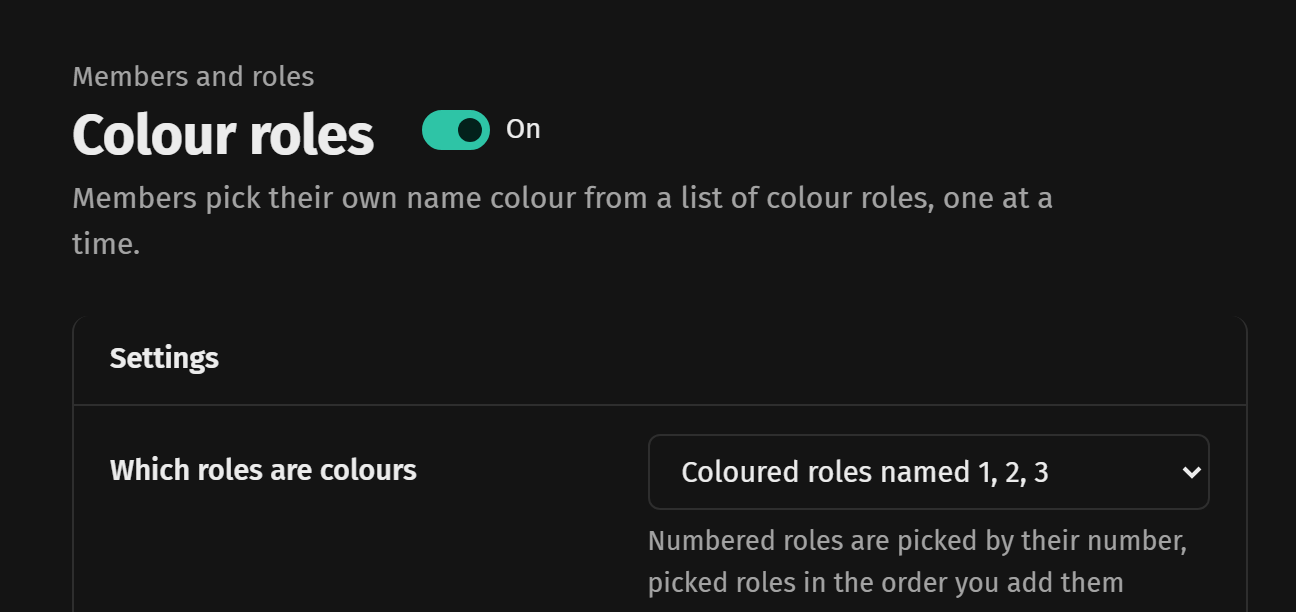
That's it, any coloured role named with just a number counts. A numbered role with no colour, like an age role named 18, is left out on purpose. If you'd rather name them Red, Blue and so on, switch Which roles are colours to picking them yourself in the colour role settings.
How members use it
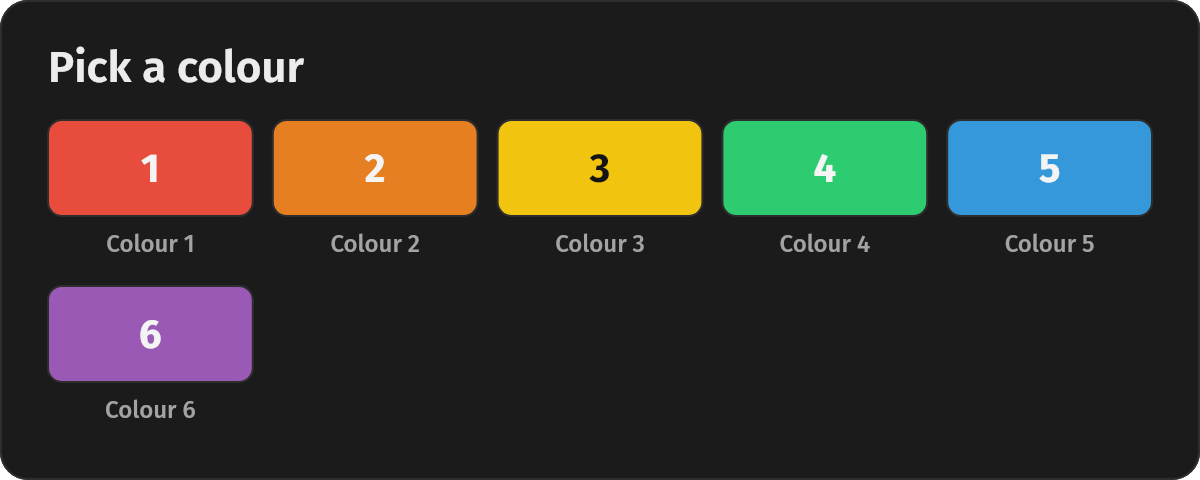
/colours shows every colour on a card with its number. /colour 3 gives colour 3 and takes their old colour off, so they only ever hold one. /colour 0 takes it off again.
Coming from ProBot
ProBot uses roles named with numbers too, so your colours keep working as they are. Run /import and it confirms which colour roles NotNatch can hand out and names any that sit above its role.